Hi, I'm Patrick, a product manager on the Edge web platform team at Microsoft. I'm responsible for developer relations, which means you'll typically find me publicly talking about the good work which our team is doing in Chromium and for the web.
Previously, I worked at Mozilla, on the Firefox DevTools team.
I'm part of the Open Web Docs governing committee and a co-chair of the W3C WebDX community group. I also run DevTools Tips.
I have 20+ years of working experience with the web and have worked as a designer, web developer, software engineer, browser engineer, engineering manager, and product manager.
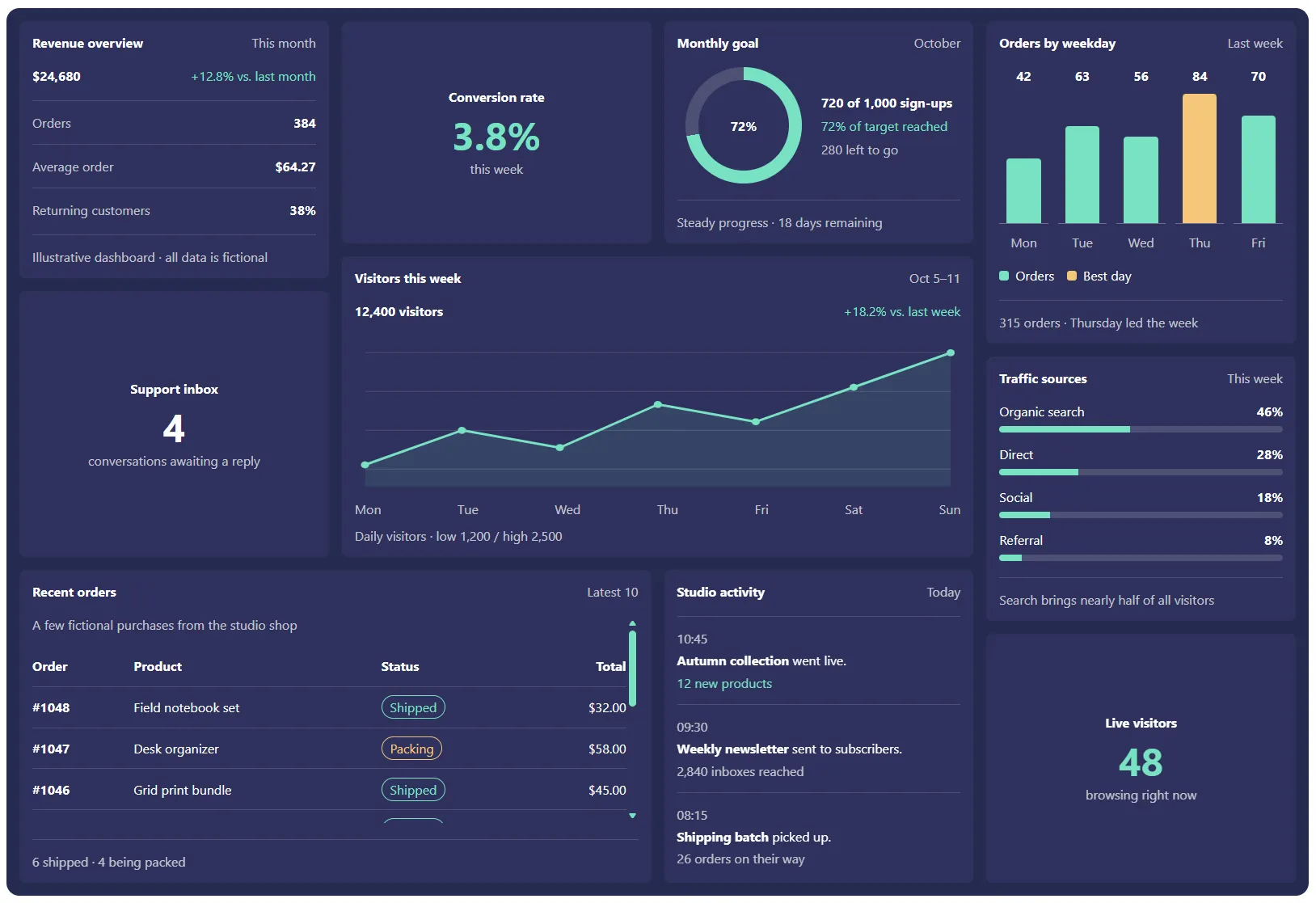
Dashboard layout using CSS Grid Lanes and align-self:stretch
CSS Grid Lanes supports stretch alignment along the stacking axis, allowing items to fill any remaining space left between other items, and avoid a jagged end edge. See Aligning items within their lanes to learn more.
Help us shape device audio capture on the web
Capturing device audio only on the web today isn't great. getDisplayMedia doesn't only share audio, and forces users to select a screen to share. We want to improve this experience, and we have a proposal for a new API. Let us know what you think!
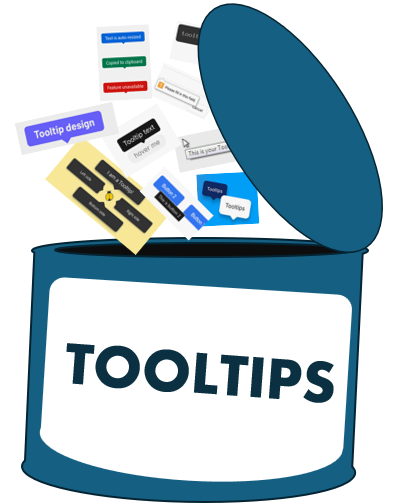
Opening the can of tooltips
Tooltips seem simple, until you look closer. The title attribute can't be styled and isn't accessible to everyone, while custom tooltips come with plenty of complexity. What would it take to build a native tooltip that's customizable, accessible, and easy to use, from plain text to rich HTML?
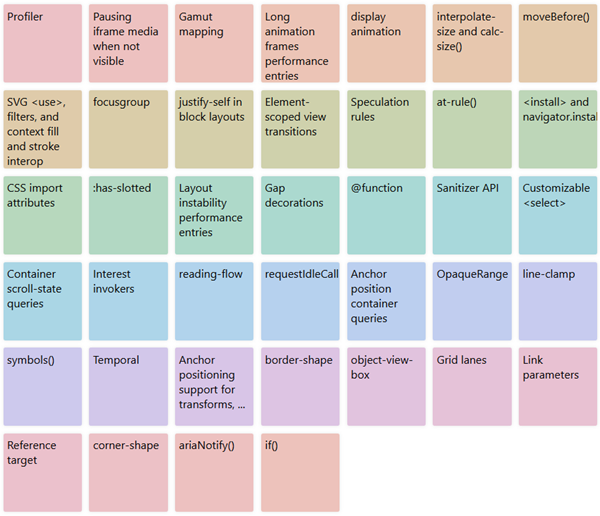
My favorite Interop 2027 proposals
About 40 of the Interop 2027 proposals which I think are of particular importance to the web developer community right now. Check it out, and show your support by voting for the ones you like.
Blurry before beautiful: image previews for the web
Showing blurry previews while images are loading on the web is a very common pattern which we'd love to standardize at the browser level, so that all developers can use it with very little code and complexity. Let us know what you think!

Keeping track of web platform features (TPAC)
A quick update on the web-features project and all the ways in which various web-related data sources are now interconnected thanks to a single source of truth that's made for web developers. Also, an announcement of the new developer-signals repository, which lets developers express their needs for cross-browser features. To learn more, checkout out our community group.
WebMCP: Stop scraping the web, start calling it (dotAI, Paris)
Today, most web browsing AI agents rely on DOM and screenshot analysis, and then guessing which clicks to make. WebMCP is the bridge from "AI can read pages" to "AI can safely and predictably do work on pages" by replacing guesswork with actual web developer involvement and explicit tool contracts. In this talk I show how WebMCP turns multi-step, high-friction workflows into structured tool calls you can trust. WebMCP eliminates DOM brittleness, is resilient to UI churn, doesn't require shipping a separate server-side MCP endpoint, and let's you incrementally make your existing site agent-ready.
Video, slides.